Frame & Form
Creator Tools & Resources
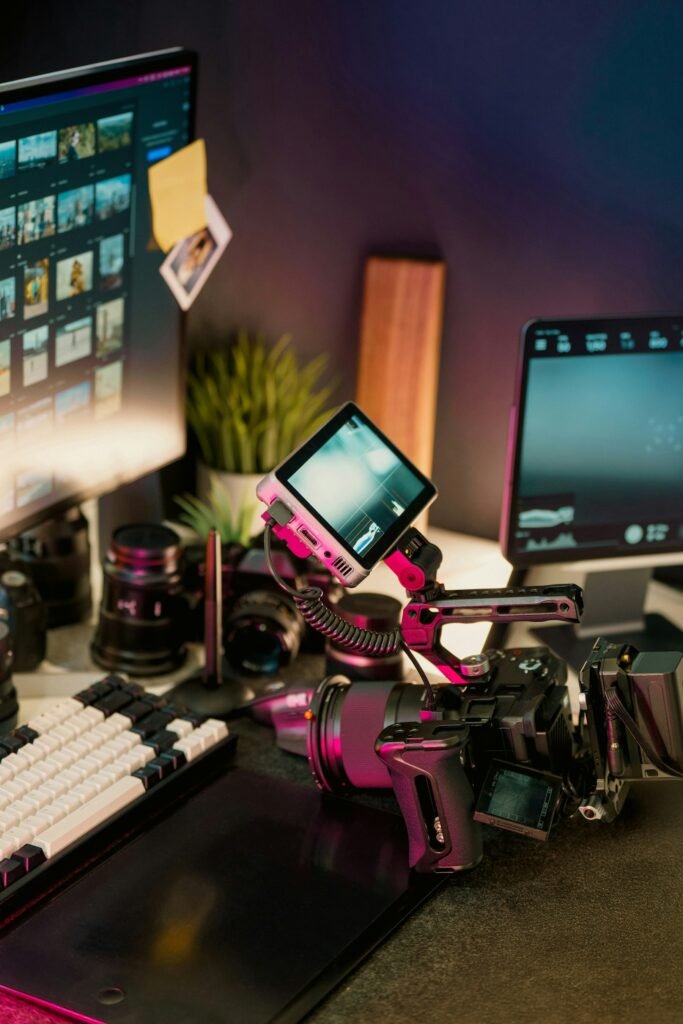
Use these working checklists before a performance recording or SFM render. Check items as you complete them; the progress indicator updates on this page. The shot-list planner builds a simple table you can copy into your production notes.
Tool 01 / Acting
Audition readiness checklist
Work through the brief, performance and delivery steps before you submit.
Tool 02 / Production
Scene & shot-list planner
Plan coverage before you shoot or animate. Add the essential shots, then copy the list into your notes.
Your shot list will appear here after you add the first shot.
Tool 03 / Source Filmmaker
SFM troubleshooting sequence
Use a controlled diagnostic process rather than changing many files at once.
Model missing or invisible
- Confirm the model path and filename.
- Check the model files and required dependencies exist.
- Verify the content is mounted and available to the SFM session.
- Test the model in a clean, small scene.
Purple or missing textures
- Find the material referenced by the model.
- Check the VMT path and referenced VTF texture names.
- Check spelling, capitalization and directory structure.
- Reopen or refresh the scene and verify the material in a test shot.
QC compile error
- Save a copy of the source files and QC.
- Read the first meaningful compiler error, not just the final failure line.
- Check source paths, referenced files, bone names and required compiler options.
- Change one issue at a time and keep a note of the result.
Render or export looks wrong
- Render a short frame range first.
- Check camera, resolution, frame range, output directory and available disk space.
- Review a representative frame at final display size.
- Only then run the full export.
Use trusted resources
Start with the official Source Filmmaker site and the Valve Developer Community SFM documentation for software-specific guidance. Confirm licenses before redistributing assets. For acting topics, see the acting and performance hub.